Farm Gate Alarm Without Wi-Fi: See What Triggered the Alert
Need an alert at a farm gate beyond your router's reach? See how an outdoor sensor, indoor hub, and optional phone alerts work together.
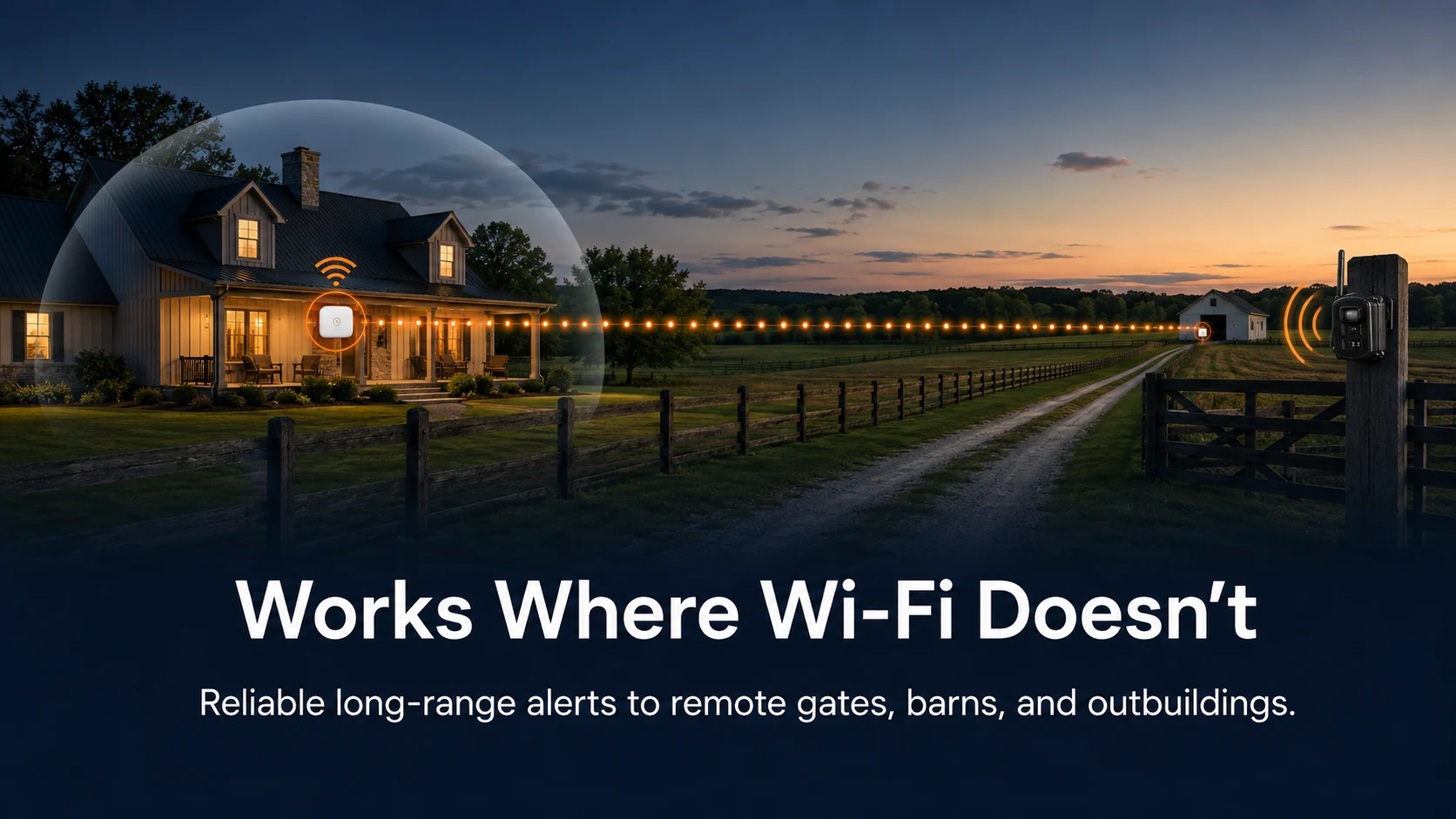
The gate or lane entrance is often where a farm owner needs the earliest notice of an arrival. But that point may be far beyond the house's Wi-Fi coverage. A conventional Wi-Fi camera may need a network extension and a power source at the gate. A basic driveway chime can tell you that something moved, but it does not show what caused the alert.
Reporter Ai is built for a different job: place the outdoor sensor where an arrival matters, then receive an image-based alert on an indoor hub. The sensor does not need Wi-Fi at the gate.
Put the sensor at the entrance you need to watch
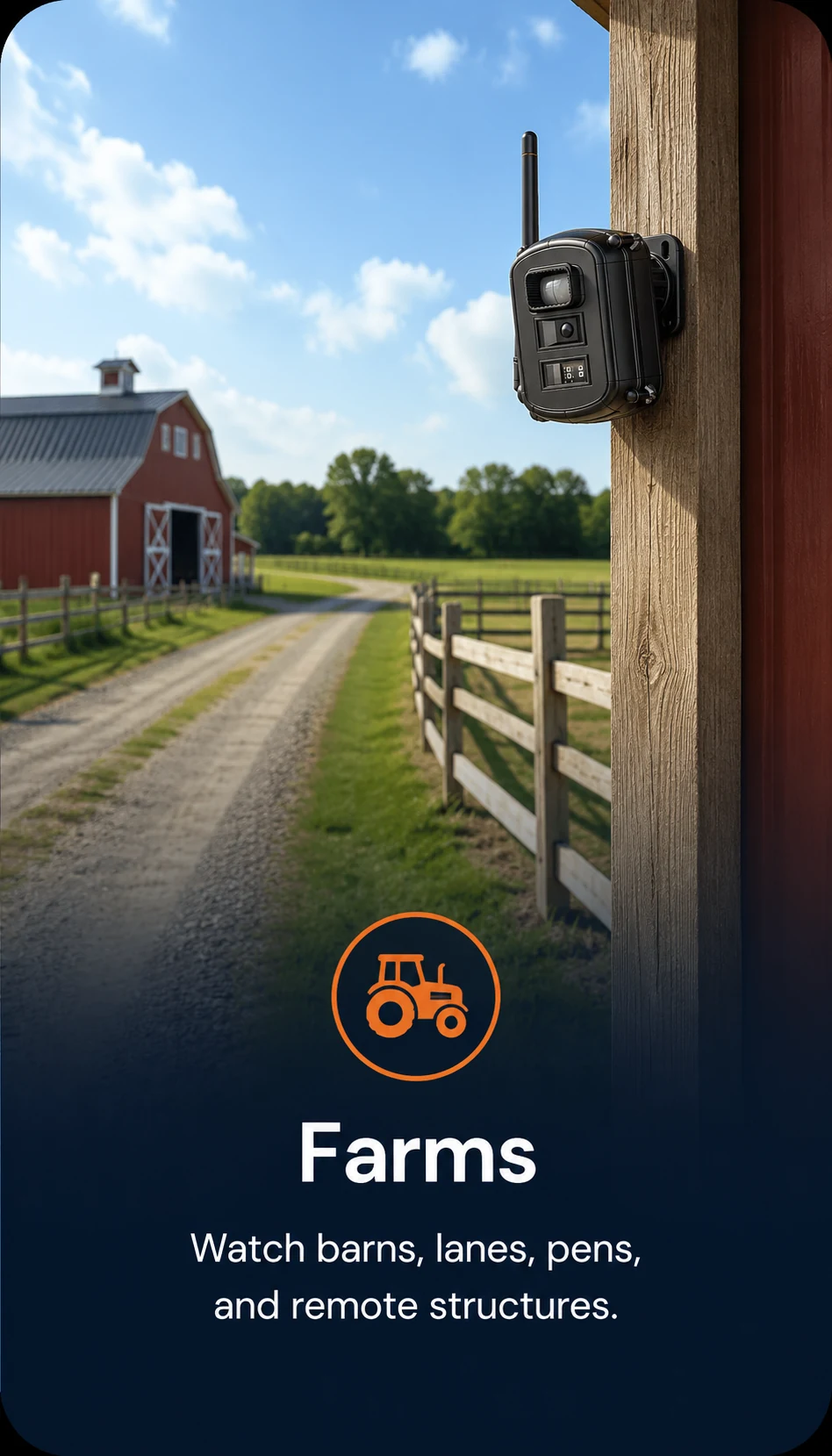
Choose the gate, lane, barn approach, or equipment-area entrance where an alert would give you useful notice. Aim the sensor across the path of arriving people or vehicles when practical. Its passive infrared detector wakes the camera when motion enters the monitored area. Reporter Ai then captures a still image and classifies the target as a person, vehicle, or animal.
The sensor's job is to watch that chosen location. Its wireless radio link carries the resulting alert to the hub; the radio's long range does not extend the sensor's motion-detection field. See how detection distance and alert transmission distance differ.
Choose which arrivals deserve an alert
At a farm gate, you may want alerts for people and vehicles while leaving routine animal activity unannounced. At another sensor near a pen or barn, animal alerts may be the point. Reporter Ai lets you select person, vehicle, and animal alert categories for each sensor. The hub shows the captured image, so you can check what triggered an alert instead of relying on a sound alone.
These settings can reduce unwanted alerts, but no detector classifies every event perfectly. Test the sensor's aim and categories with real activity on your property, then adjust them if alerts are missed or too frequent. See the setup and detection controls.
Find an indoor hub location with reliable reception
The outdoor sensor sends its image and alert to the indoor hub over a local wireless link. Reporter Ai's sensor-to-hub link has been tested at 1,000 meters in open air; actual range depends on terrain, buildings, interference, and placement. The instruction manual recommends keeping both antennas vertical and avoiding large metal objects or appliances around the hub.
Choose the outdoor sensor point for the gate activity you need to catch. Then try practical indoor hub positions and check that images arrive promptly from that point. The hub provides a visible and audible local alert without an internet connection. One hub can support up to 25 outdoor sensors if you later add coverage at other entrances. Review the system specifications.
What about alerts on your phone?
Phone alerts are optional. To receive them when away, connect the indoor hub to your Wi-Fi router and the internet. The outdoor sensor still does not need Wi-Fi at the gate. If you want both local and phone alerts, choose a hub position where its link to the gate sensor and its Wi-Fi connection both work. Read the local-versus-phone alert guide.
Reporter Ai sends event images rather than a live video stream. If you want advance notice and a still image of what arrived at a remote farm entrance, explore Reporter Ai for farms and remote property.
Summon Gear
Practical guides from the team behind Reporter Ai Wireless Alert.